Registration on the portal
Registering the company on the Tax Authority's e-invoicing portal.
A guide to e-invoicing in Egypt
This page explains the e-invoice in plain terms and what a company needs in order to issue it. It also shows how Moon ERP sends the invoice to the tax gateway from the same program where you record your sales and accounts.
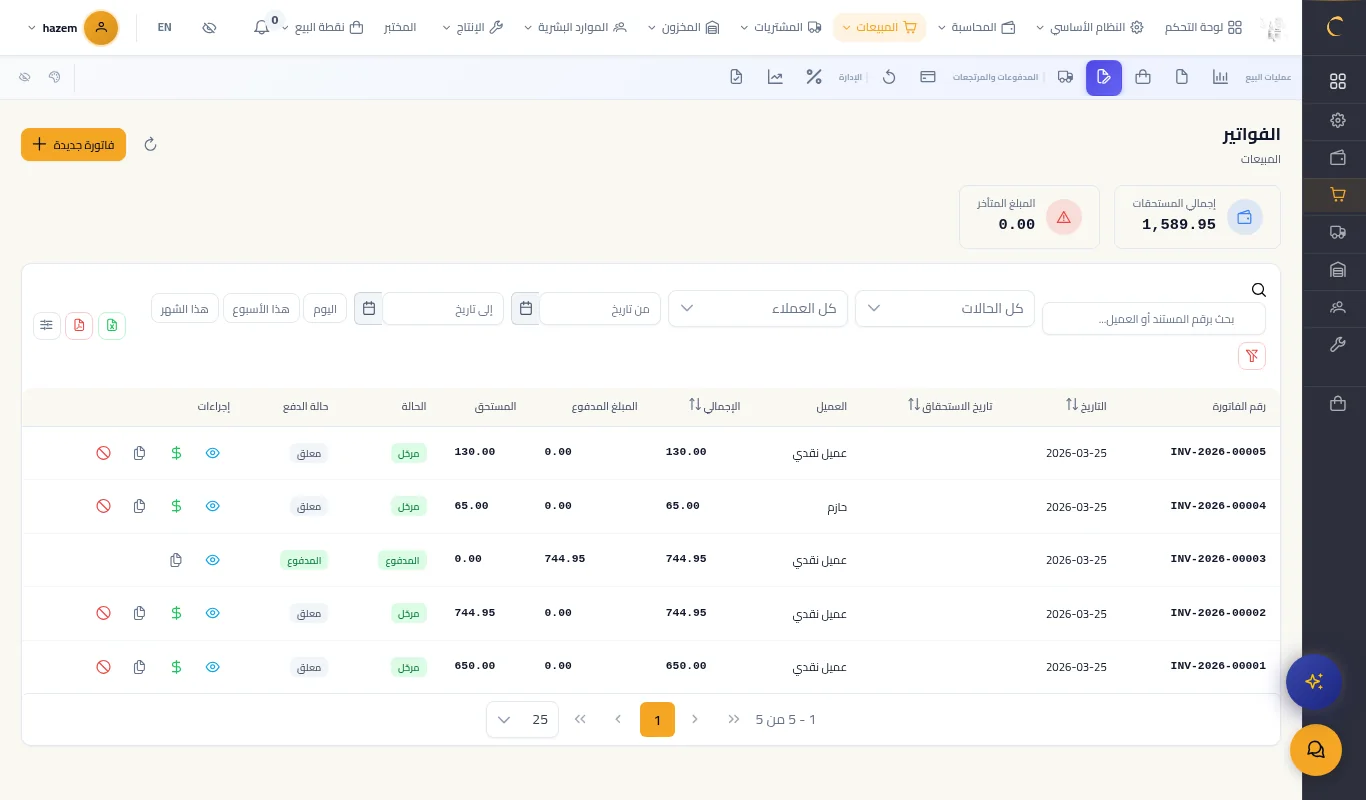
The e-invoice is a tax invoice that is issued, signed and sent electronically to the Egyptian Tax Authority's system. The system validates the invoice and gives it a unique identifier, and both the seller and the buyer can see it on the portal.
These are the main requirements in general terms. We advise confirming the requirements currently in force with the Egyptian Tax Authority or your accountant.
Registering the company on the Tax Authority's e-invoicing portal.
An approved electronic signing method used to sign invoices before they are sent.
Mapping your items and services to the standard coding required on the invoice.
An invoicing or accounting program that can send the invoice to the system.
An e-invoice can be issued by typing its details manually on the portal, which means entering the invoice once on the portal and once in your accounts. The other way is to send the invoice straight from your accounting software, so it is entered only once: it is recorded in sales and accounts and then the same invoice is sent to the portal.
The e-invoicing module is part of Moon ERP and works on the invoices you have already recorded and posted in the system.
It sends posted sales and purchase invoices to the tax gateway.
It supports the Egyptian gateway and the Saudi gateway.
A separate setup for each branch, or one setup for the whole company.
Sending runs in the background with retries, so your work on screen does not stop.
A full log of sending transactions, with the gateway credentials stored encrypted.
No. Moon ERP is accounting and sales software that sends your invoices to the tax gateway. Registration and login to the portal itself are done on the Egyptian Tax Authority's website.
Yes. The module supports both the Egyptian gateway and the Saudi gateway.
Sending runs in the background and the system retries, and every transaction is recorded in a log you can go back to.
Yes. You can have a separate setup per branch, or a single setup for the company.
Pricing depends on the modules you need and the number of users, and the sales team replies on WhatsApp with a quote.
A free trial that opens in a minute. No payment card needed.
Start the free trial

Want to see it on your own business?